



Betnella App
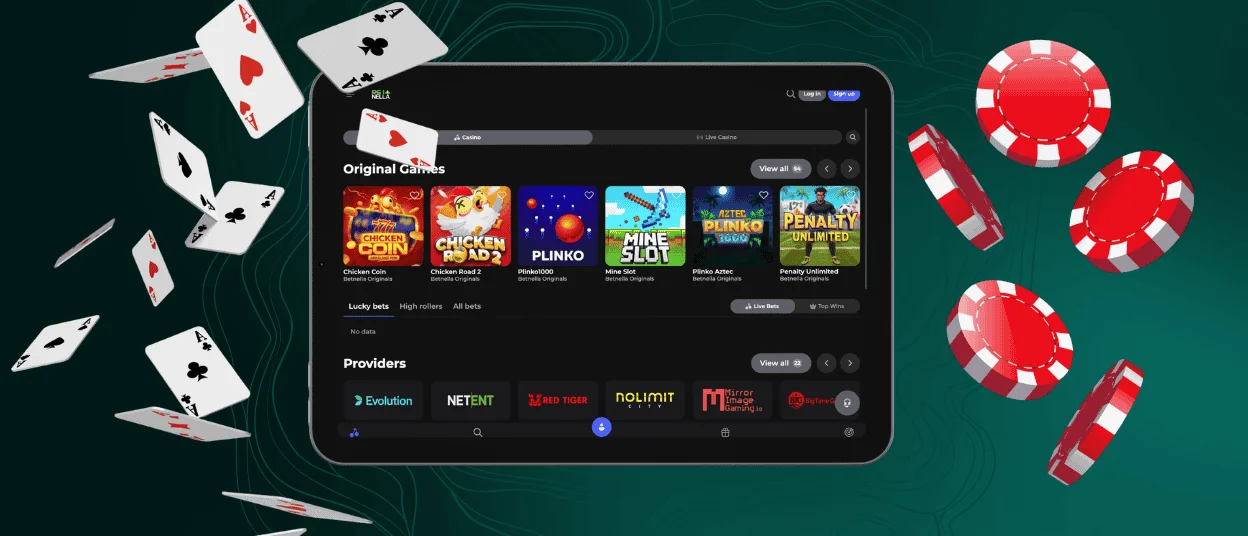
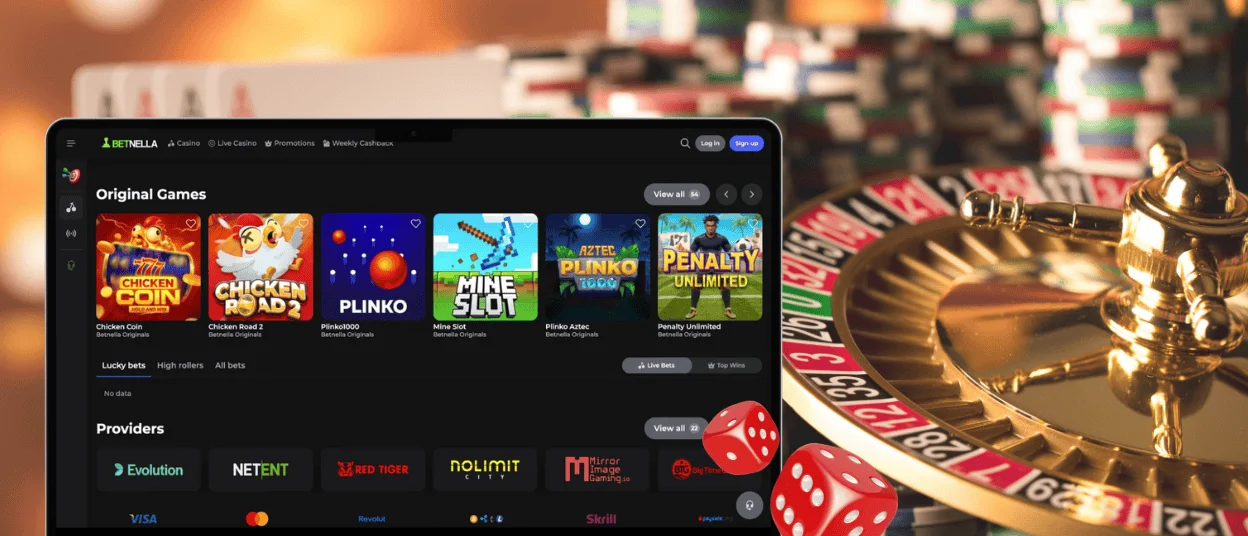
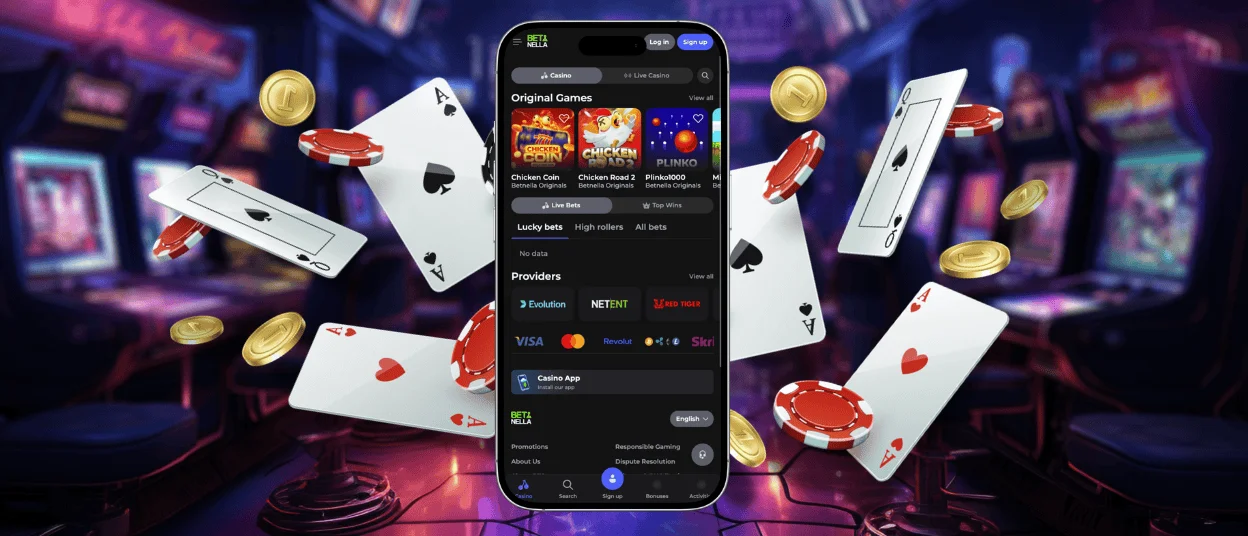
The Betnella app combines two things that you need most: the convenience of a native mobile application and the familiar interface of our website. So you don’t have to waste time getting used to a new navigation system instead of playing. All buttons in the mobile casino are in their usual places, and the game collection hasn’t lost a single title.



Mobile-Friendly Gaming Experience
With the Betnella app, we wanted to make mobile gaming easier and more comfortable for users. We achieved this through responsive design. All interface options react instantly when you tap them. Naturally, we also paid special attention to improving our game lobby:
| Game Type | Technologies | How It Works on Mobile |
| Online slots | CSS media queries | Full-screen reels with bigger Spin buttons and betting areas. |
| Table games | Viewport scaling, touch gestures | Tables adapt to different screen sizes and are optimized for touch controls. |
| Live Casino | Adaptive streaming, HLS, CDN | Video quality changes automatically based on your internet speed. |
| Instant Win | Service Workers, caching | Quick launch from a home screen shortcut. Perfect for short gaming sessions. |
Our application also features optimized battery usage. This means that your sessions at Betnella Casino can last longer – you won’t have to interrupt your gameplay just to charge your phone.
Access Across All Devices
One of the best things about our app is that it works the same way on every operating system. So you can log in to your Bet Nella Casino account from an Android device or an iPhone.
The Betnella app adapts to your device’s controls, displaying the interface in full-screen mode without browser elements or the address bar. Also, our solution adjusts to your device’s capabilities, so it will run stably even on older phone models.
Using Betnella on Android
Your experience with Betnella Casino in our app will be almost identical to using a native mobile app. First of all, it launches just as quickly. Once you install it, you’ll see a shortcut on your home screen so you can open your account and the game lobby with a single tap.
You also don’t have to keep checking Google Play for updates – the Betnella app automatically receives all the latest features and improvements. So if we add new offers to our bonus program or introduce another payment method, you’ll see them without even refreshing or restarting the app.
iOS Compatibility
If you prefer Apple devices, you can still feel like you’re using a standard app. Betnella Casino can be installed on iOS as well. To do this, tap the Casino App button on our home page, then select the Add to Home Screen option. In just a few seconds, a new icon will appear next to your other programs.
It’s especially convenient that the Betnella app remembers your preferences. The application saves information about your selected payment methods, favorite game genres and other settings. Plus, it requires very little free space to run – just a few megabytes.
Offline Mode in Bet Nella
Many of our players prefer to use Betnella Casino on their mobile phones because they can play even on the subway. However, an internet connection isn’t available everywhere. That’s why our application has partial offline functionality. This is possible thanks to the following technologies:
- Cached interface – With this feature, the main menu sections and buttons appear almost instantly.
- Faster reloads – When you reopen the Betnella app, it loads pages quickly by using some locally stored data.
- Connection recovery – If your internet connection drops for a short time (for example, when switching between Wi-Fi and 4G), our solution reconnects automatically.
Thanks to these technologies, you don’t have to worry about losing your game progress if something goes wrong.
Mobile Alerts
To get an even more app-like experience, you can set up push notifications. To do this, open the Betnella app and go to your profile settings. There, you can enable alerts for:
- new promotions and personalized offers
- your transaction status
- reminders about tournaments and leaderboard changes
- other platform news
And if you ever want a break, you can switch to hidden mode or turn off notifications completely with just one tap.
FAQ
Does the Betnella app work on desktop devices?
Yes, our app can be installed on a laptop or computer. That way, you’ll get the same interface you’re already used to but without browser tabs and other unnecessary elements.
Why isn’t the Bet Nella app available on Google Play or the App Store?
We wanted to make the installation process as simple as possible for our users, so we decided not to create separate versions for each operating system. Our app is a PWA, so you can install one unified solution directly from our website.
Can I complete the KYC procedure in the app?
Yes, we’ve adapted the verification process for mobile devices. In the Verification section, you can upload photos of the required documents directly from your phone’s gallery. And if you have any additional questions, you can also click the live chat button and contact the Betnella Casino support team.
If I delete the PWA and reinstall it, will I lose my data?
No, all your game progress on the Bet Nella Casino platform, as well as your betting history and bonuses, will remain unchanged. Only cached files and local interface settings will be cleared.


